

Table of Contents
Activate your license key on the License page to get automatic updates.
An active key gives you automatic updates and support. Until the key is active, the plugin shows a reminder banner in the dashboard, and its row on the Plugins screen has a red Activate license link.
- Copy your license key from your ThemeAtelier account.
- In your WordPress dashboard, go to Eventful For Elementor > License.
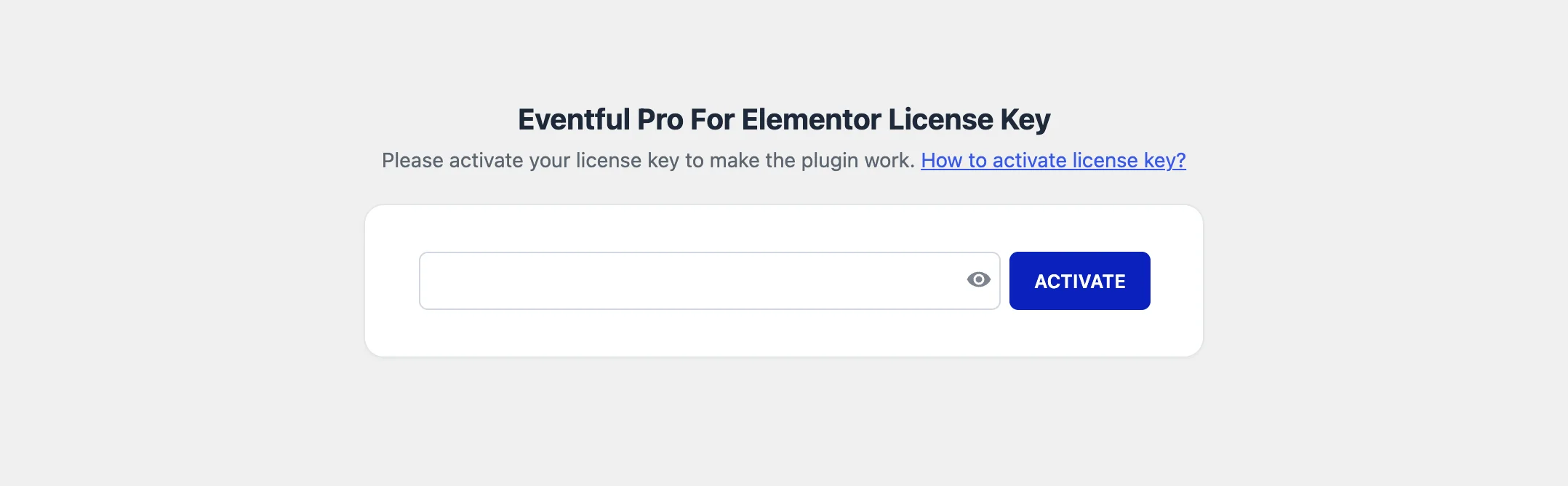
Eventful For Elementor > License. - Paste the key into the Eventful Pro For Elementor License Key field and click Activate.
- The page shows Active and “Your license key is active.” Updates now appear on the Plugins and Dashboard > Updates screens. The Deactivate button frees the key for another site.
How many sites can I activate? #
It depends on your plan: 1 site, up to 5 sites, or unlimited sites. To move a license to another site, deactivate it on the old site first. See Managing Your License.
If activation fails #
- Check that you copied the whole key, with no spaces before or after it.
- Check that your plan still has a free site. Deactivate the key on a site you no longer use.
- Some hosts block outgoing connections. If the key will not activate, open a support ticket.


