Growth Marketing Summit

Growth Marketing Summit
A full day of practical sessions on acquisition, retention and pricing for B2B marketing…
Event details
UX Research Workshop for Product Teams

UX Research Workshop for Product Teams
Plan, run and analyse user interviews in one hands-on afternoon. You will write an…
Event details
Founders Breakfast Meetup
Founders Breakfast Meetup
Coffee, pastries and honest conversations with local founders. Each table picks one problem to…
Event details
Leading Remote Teams Webinar

Leading Remote Teams Webinar
A live session on the habits and tools that keep distributed teams aligned and…
Event details
Global Trade Expo 2026
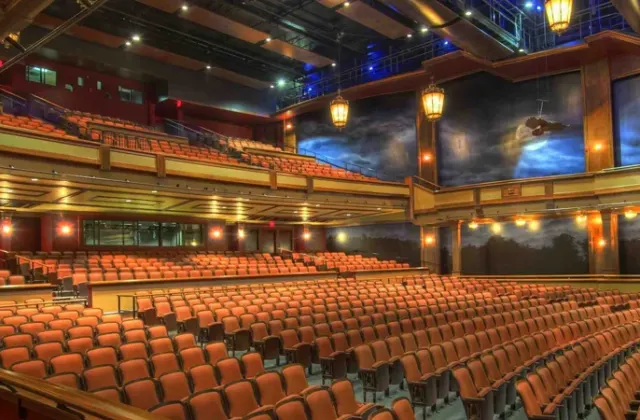
Global Trade Expo 2026
Three days, 200 exhibitors and a dedicated buyers lounge for wholesale partners. Walk the…
Event details
AI for Small Business: Hands-on Session

AI for Small Business: Hands-on Session
Bring your laptop and leave with three time-saving AI workflows set up for your…
Event details
Sales Leaders Roundtable

Sales Leaders Roundtable
A small-group discussion for sales leaders on forecasting, hiring and coaching. Seats are limited…
Event details
Startup Pitch Night

Startup Pitch Night
Eight early-stage startups pitch to a panel of local investors and get live feedback.…
Event details
Brand Storytelling Masterclass

Brand Storytelling Masterclass
Find the story behind your brand and learn to tell it clearly on your…
Event details
Future Leaders Business Summit

Future Leaders Business Summit
Two days of keynotes and workshops for managers stepping into senior leadership roles. Topics…
Event details
Finance Basics for Founders
Finance Basics for Founders
A one-hour lunchtime webinar on cash flow, runway and the three reports every founder…
Event details
Outdoor Team Building Retreat

Outdoor Team Building Retreat
Three days of shared challenges, facilitated workshops and time to reconnect as a team.…
Event details
Digital Marketing Growth Conference

Digital Marketing Growth Conference
Search, paid social, email and AI tools: what is working right now, from the…
Event details
Product Design Sprint

Product Design Sprint
Go from problem to tested prototype in two focused days. You will map the…
Event details
Investor Networking Evening

Investor Networking Evening
Meet angel investors and early-stage funds in a relaxed evening setting. Short fireside chat,…
Event details
Retail Tech Expo

Retail Tech Expo
See the latest point-of-sale, inventory and checkout technology from more than 120 exhibitors. Live…
Event details
Customer Success Playbook Webinar
Customer Success Playbook Webinar
A practical webinar on onboarding, customer health scores and renewal processes that run themselves.
Event details
Leadership Communication Bootcamp

Leadership Communication Bootcamp
Run better meetings, give clearer feedback and present with confidence. A full-day bootcamp with…
Event details
Music Industry Business Gala

Music Industry Business Gala
An evening of awards, live sets and networking for music business professionals. Dress code:…
Event details
SaaS Pricing Workshop
SaaS Pricing Workshop
Choose a pricing model, set up packaging and plan your first price test. Bring…
Event details
Women in Tech Conference
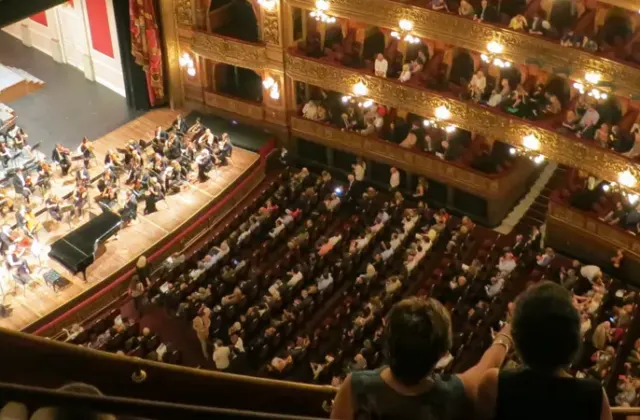
Women in Tech Conference
A day of talks, mentoring sessions and a career fair for women working in…
Event details
E-commerce Trade Fair
E-commerce Trade Fair
Platforms, payments, logistics and fulfilment partners under one roof. Book one-to-one meetings through the…
Event details
Hybrid Work Forum
Hybrid Work Forum
Policies, team rituals and tools from companies that made hybrid work stick.
Event details
Company Offsite Planning Day
Company Offsite Planning Day
A practical day for people and operations leads who plan company offsites.
Event details
Year-End Business Conference
Year-End Business Conference
Review the year, plan the next one, and meet peers from every industry. Two…
Event details
Spring Startup Fair
Spring Startup Fair
Sixty startups show their products to customers, partners and investors. Free entry for visitors.
Event details